AnySoul can now let your agent open tabs, read pages, click through flows, fill forms, upload files, wait for page changes, and extract results from the web.
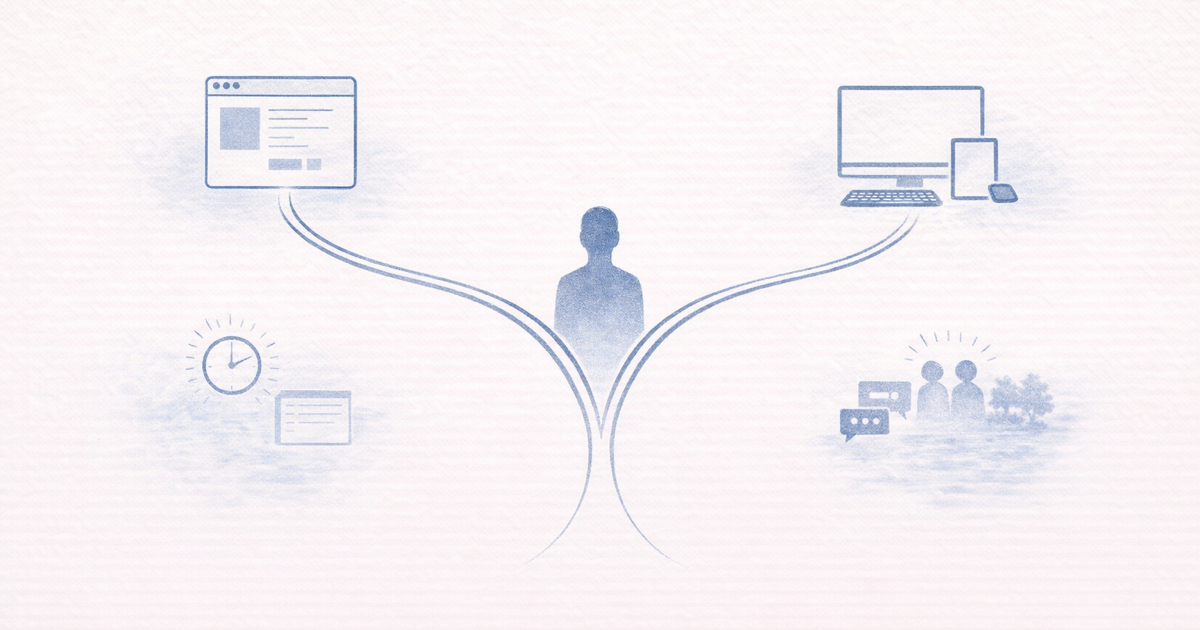
But there is an important detail: this is one browser product with two runtime paths.
- Web + browser extension keeps the agent in your real browser and your current signed-in browser identity
- Desktop app gives the agent the richest current browser runtime, including semantic browser actions when available
That distinction matters, because it changes what kind of browser workflow you should expect.
What the Browser Runtime Can Already Do
Today, AnySoul already supports a meaningful explicit browser workflow family:
- open and activate tabs
- navigate, go back, go forward, and reload
- read page state
- scroll, focus, hover, click, double-click, and right-click
- type, paste, clear, and copy text
- set checked state
- select dropdown options
- submit forms
- upload files
- wait for selectors, text, or URL changes
- extract structured data from pages
That is enough for a large class of deterministic tasks:
- search for information across multiple tabs
- fill and submit real forms
- upload files into browser workflows
- extract structured results from search, listings, or dashboards
One Product, Two Runtime Paths
| Runtime | Best For | What It Uses | Semantic Actions |
|---|---|---|---|
| Web + browser extension | Acting inside the browser you already use | Your current browser tabs and current signed-in browser profile | No |
| Desktop app | The richest current browser workflow surface | The AnySoul local browser runtime and managed tabs in the app window | Yes, when supported by the current desktop target |
Both paths support the same explicit structured browser action family.
The difference is what happens when the page is too messy to express cleanly with selectors alone.
Why the Extension Path Is Explicit-Action-First
The extension path is designed for:
- acting in the browser you already use every day
- reusing your current signed-in session on sites
- continuing real browser workflows without leaving your existing browser
That makes it great for practical flows like:
- open a site
- click into a result
- fill a field
- upload a file
- wait for the next page
- extract the outcome
But the extension path currently does not support:
semantic_actsemantic_extract
So the right mental model is:
The extension path is an explicit-action browser agent, not a semantic browser agent.
Why the Desktop App Is the Richer Tier
The desktop app path supports the same explicit actions, but it can also expose richer semantic browser actions through Stagehand.
That means the desktop runtime is the better fit when:
- the page is hard to target with reliable selectors
- the next step is easier to describe in natural language
- you want the fullest current browser capability surface
Examples:
- “open the notifications tab”
- “extract the key account summary from this dashboard”
- “continue the page flow even though the layout is awkward to target directly”
Semantic Actions Are Stronger, But Heavier
Semantic actions are useful, but they are not the default recommendation for every task.
Compared with explicit actions, they are usually:
- slower
- more token-expensive
- more dependent on a model-mediated reasoning layer
So even on desktop, the best default is still:
- use explicit actions first
- use semantic actions when the page is too messy or ambiguous for clean selector-driven steps
This is why we present the desktop path as a richer tier, not the baseline browser experience.
A Good Real-World Workflow
Imagine you want your agent to help complete a web task:
- open a target page
- read visible controls
- fill several fields
- select the right dropdown values
- upload a document
- submit the form
- wait for the confirmation state
- extract the result
That is already a good fit for AnySoul today.
If the page is straightforward, both runtime paths can handle it with explicit actions.
If the page is unusually messy and you want natural-language browser actions, the desktop app path is the one to choose.
Which Runtime Should You Pick?
Choose Web + browser extension if:
- you want the agent to stay in your real browser
- you want to reuse your current browser identity
- your workflow is fine as an explicit structured browser flow
Choose the desktop app if:
- you want the richest current browser runtime
- you want managed browser tabs inside the app
- you want semantic browser actions when available
Get Started
- Read the Browser Runtime manual
- Install the desktop app if you want the richest browser runtime
- Use the browser extension path if you want your agent to stay in your current browser
The important part is not choosing the “best” runtime in the abstract. It is choosing the runtime that matches the browser workflow you actually want.